Review games
Hangman
Students guess letters to reveal a hidden word before the drawing is complete.
Online classroom game
A Wordle-style guessing game for the classroom with your own spelling or vocabulary words. Any length, optional hints, team turns. Free and made for the projector.
One word per line, letters only, with an optional hint: word | hint. Words can be 2 to 10 letters long. Saved in this browser only. Share code & class link gives you a short code for colleagues and a link for your slides that opens this game with your list ready to play.
Unlike the daily Wordle, the words come from your lesson and can be any length from 2 to 10 letters, so it works from kindergarten sight words to high school vocabulary.
Keep playing
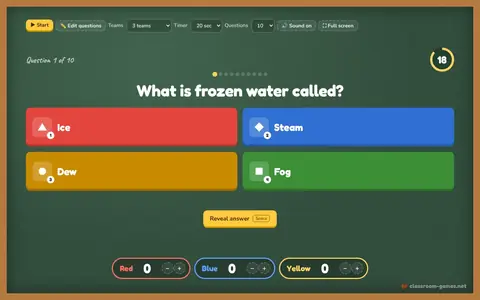 Quiz ShowKahoot-style questions with colors, a countdown and team points. No student devices.▶ Play now
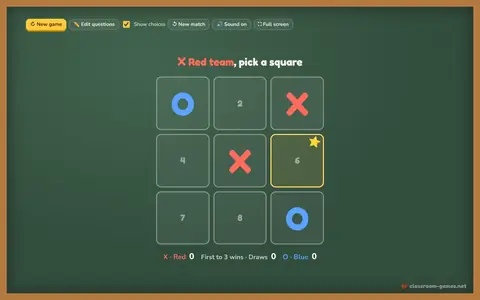 Tic Tac Toe ReviewAnswer a question to claim the square. Red X vs Blue O.▶ Play now
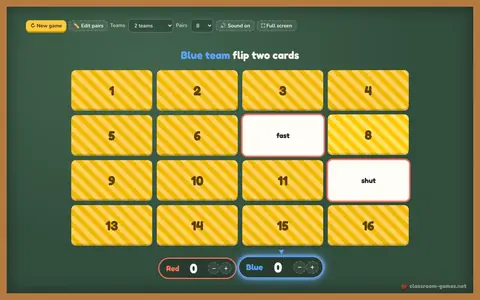 Memory MatchFlip two cards, find the pair. Words, facts or translations.▶ Play now
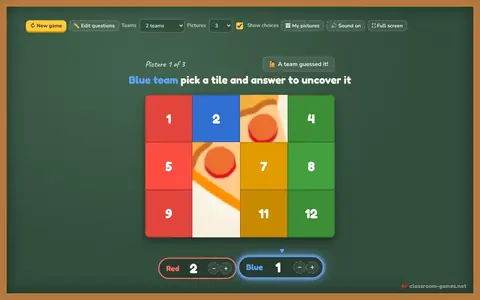 Mystery PictureAnswer questions to remove tiles. First team to guess the picture wins.▶ Play now
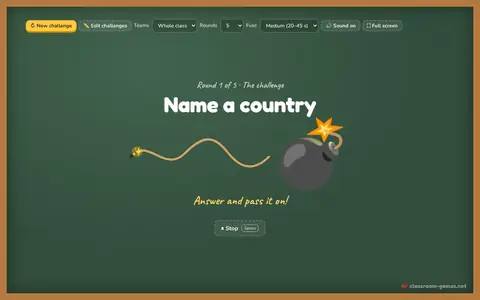 Pass the BombA hidden random fuse, a challenge and a ball to pass. Boom!▶ Play now
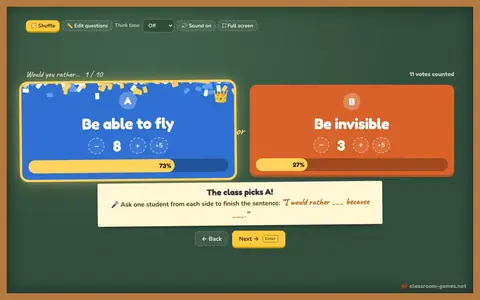 Would You Rather VoteBig A vs B choices, count the votes, reveal the result.▶ Play now
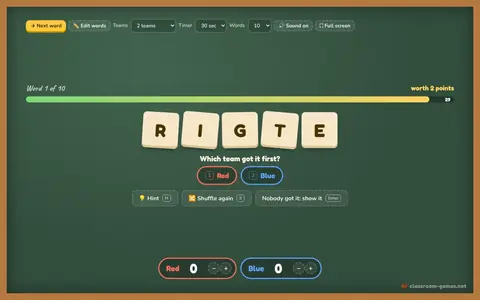 Word ScrambleUnscramble the letters before the timer runs out.▶ Play now
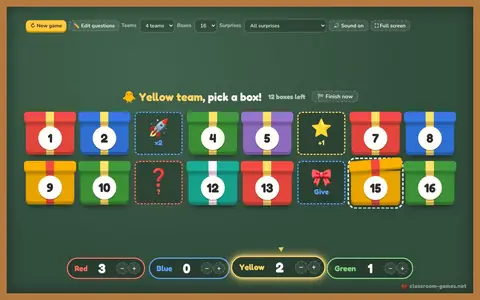 Lucky BoxesPick a box, answer right, open it: points, steal, swap or 💣.▶ Play now
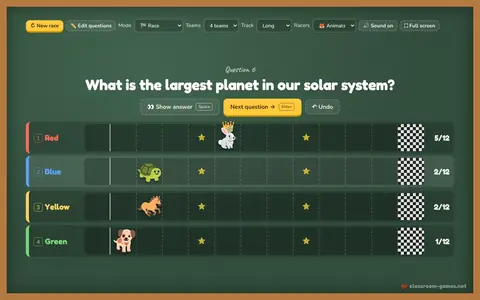 Team RaceAnswer right to move your racer. First to the flag wins. Or play tug of war.▶ Play now
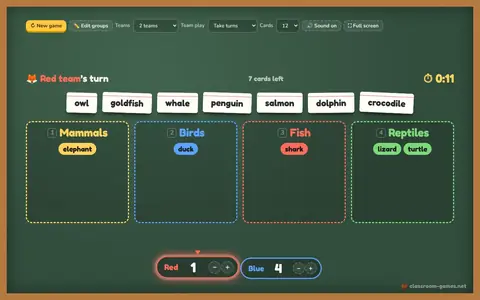 Sort ItDrag each card into the right group on the board. Teams or beat the clock.▶ Play now
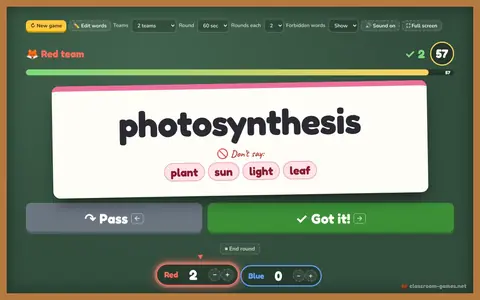 Heads UpBig word cards, 60-second rounds, ✓ got it or ↷ pass. Charades and Taboo too.▶ Play now
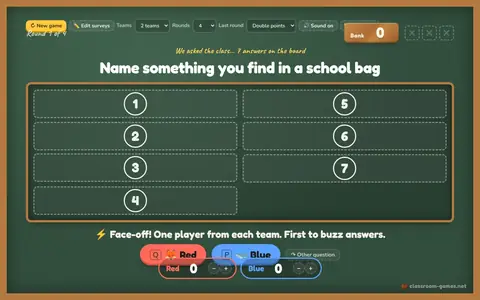 Survey SaysGuess the top survey answers. Face-off, three strikes, steal the bank.▶ Play now
No screen today?
Rules, variations and tips for similar games you can run with paper or nothing at all.
Students guess letters to reveal a hidden word before the drawing is complete.
Students take turns spelling words aloud.
Teams race to unscramble vocabulary words.
Questions teachers ask
No. It is a free classroom game inspired by Wordle, with your own words, any word length and team turns.
No. The teacher types the class’s guesses on the board, or students come up and tap the on-screen keyboard.
Yes. Choose Whole class under Teams. The class guesses together and the end screen shows how many words it solved.