Review games
Categories
Pick a letter and a list of categories.
Online classroom game
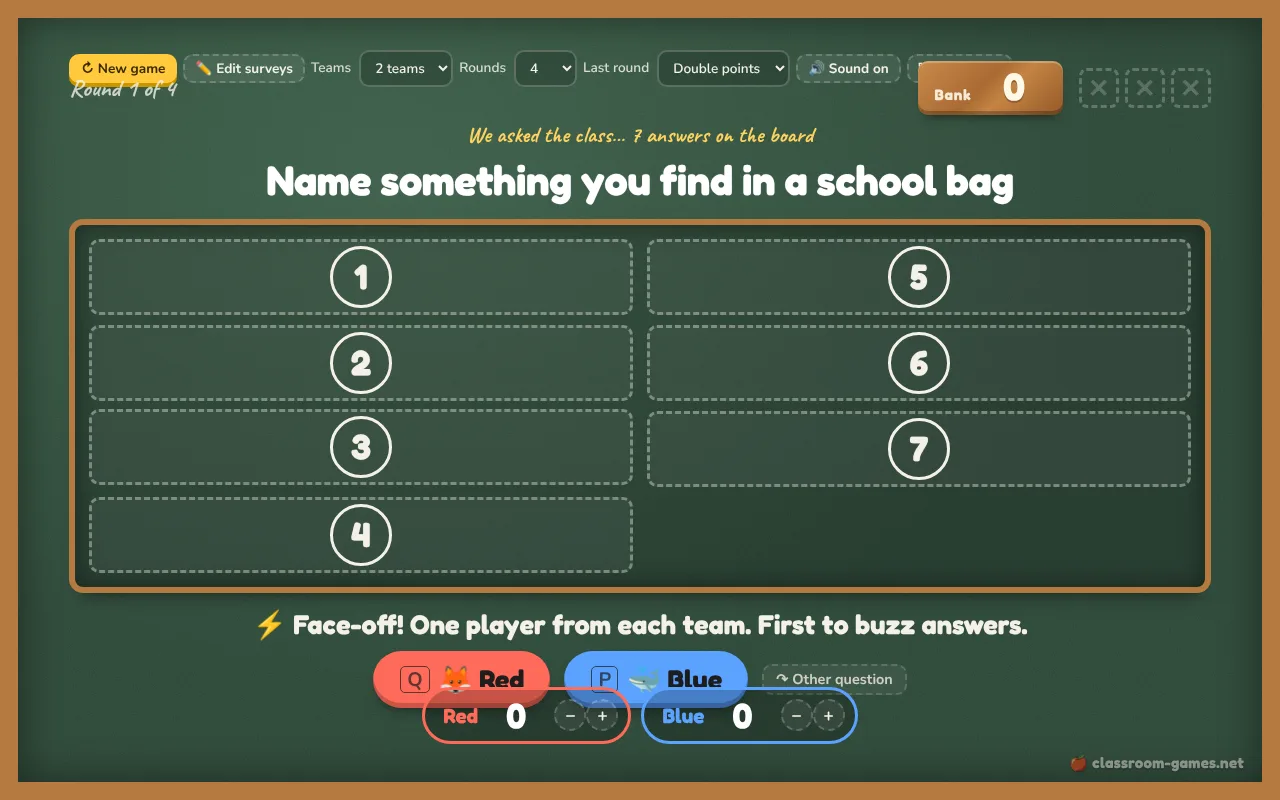
A free Family Feud style game for the classroom screen. Teams face off, buzz in and guess the most popular survey answers. Flip answers with a ding, give strikes and steal the bank. Kid-friendly and ESL surveys ready, or write your own.
One question per line, then the answers with their points, most popular first: Name a pet | dog 40 | cat 30 | fish 12. Use 4 to 8 answers. Without numbers, points are given by order. Saved in this browser only. The share link carries your list inside it, so colleagues can open the same game without an account.
The best boards come from your own students. Open the live quiz, press Ask a poll and leave the choices empty: students type one answer on their phones and a word cloud shows what most of them said. Type the most common answers, biggest first, into Edit surveys and play the board next lesson, or with a parallel class.
Survey Says is the classroom version of the TV show Family Feud (Family Fortunes in the UK). It works for vocabulary, brainstorming and ESL speaking, because every student can have a guess. For more list games, play Categories on paper, run a buzzer quiz show or a Jeopardy review.
Keep playing
No screen today?
Rules, variations and tips for similar games you can run with paper or nothing at all.
Pick a letter and a list of categories.
Run a quiz show with mini whiteboards: every student answers every question at the same time, so nobody sits out.
A quiz-show board of categories and point values where teams pick a square and answer the question behind it.
One student sits with their back to the board while teammates describe the word written behind them.
Questions teachers ask
Each answer’s points show how many people gave that answer in the survey, so the most popular answer is worth the most. The ready-made sets use made-up but realistic numbers. In your own lines, write the points after each answer, like dog 40; without numbers the board gives points by order.
Tap the big team button on the screen, or press Q, P, Z or M on the keyboard (one key per team). Two students can stand at the laptop with a finger on their key, or the teacher can tap for whoever raised a hand first.
No. The answers are only put on the board when you flip them, and the Edit surveys panel closes when the game starts or goes full screen.
After three strikes the other team talks it over and gives one answer. If it is on the board they take the whole bank; if not, the team in control keeps it. With three or four teams, the first team to buzz in gets the steal.