Review games
Whole-Class Quiz Show
Run a quiz show with mini whiteboards: every student answers every question at the same time, so nobody sits out.
Online classroom game
A free Kahoot-style quiz game for the classroom that runs on one screen. Four colored answers, a countdown and team scores. Students answer with fingers or corners, so no devices needed.
One question per line: question | right answer | wrong | wrong | wrong. Two to four answers; they are shuffled on screen. Saved in this browser only. Share code & class link gives you a short code for colleagues and a link for your slides that opens this game with your list ready to play.
It works like Kahoot but without phones or logins, which makes it ideal for younger grades, schools with device rules, and quick reviews at the end of a lesson. Without teams, the class answers together: click the answer most students chose (or press 1–4) to see if the class was right.
Keyboard and clicker: Space reveals, 1–4 picks an answer, 1–6 marks teams after the reveal, Enter goes on.
Keep playing
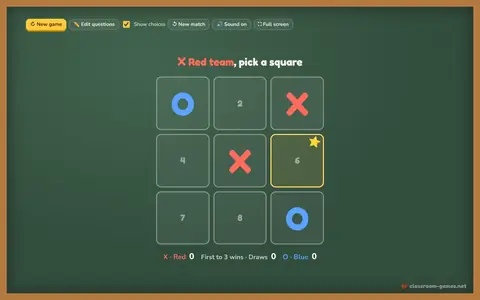 Tic Tac Toe ReviewAnswer a question to claim the square. Red X vs Blue O.▶ Play now
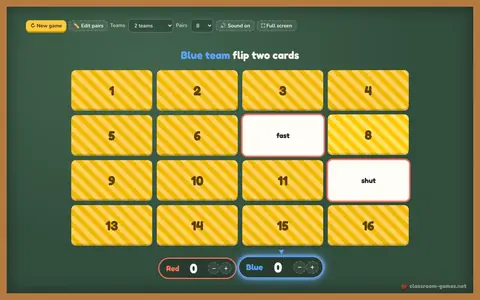 Memory MatchFlip two cards, find the pair. Words, facts or translations.▶ Play now
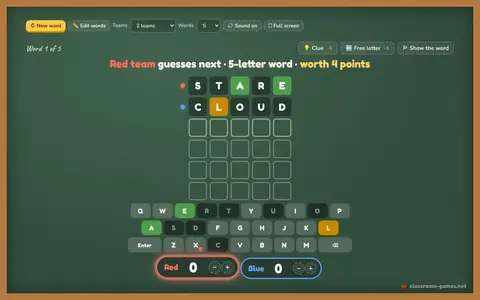 Guess the WordWordle with your own spelling words, hints and team turns.▶ Play now
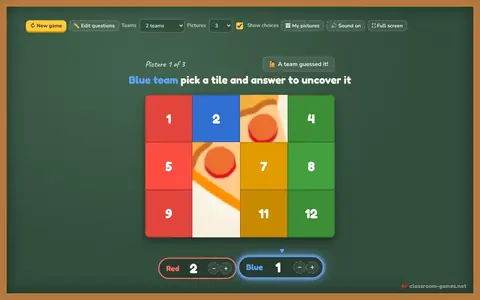 Mystery PictureAnswer questions to remove tiles. First team to guess the picture wins.▶ Play now
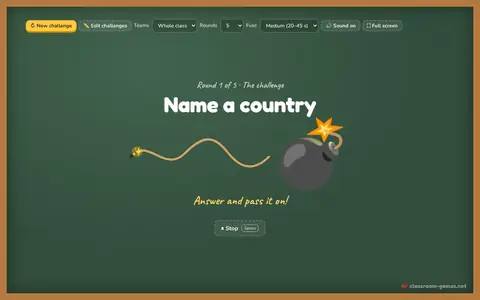 Pass the BombA hidden random fuse, a challenge and a ball to pass. Boom!▶ Play now
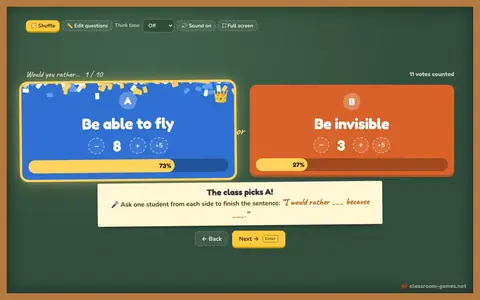 Would You Rather VoteBig A vs B choices, count the votes, reveal the result.▶ Play now
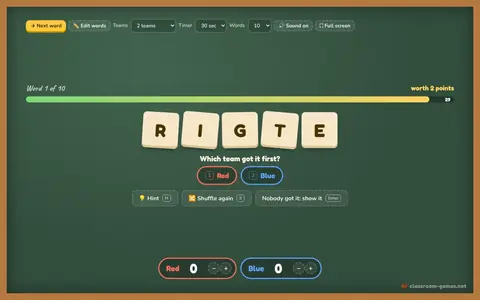 Word ScrambleUnscramble the letters before the timer runs out.▶ Play now
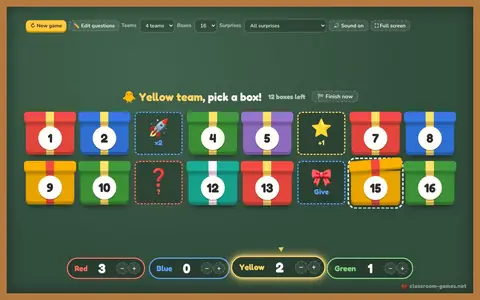 Lucky BoxesPick a box, answer right, open it: points, steal, swap or 💣.▶ Play now
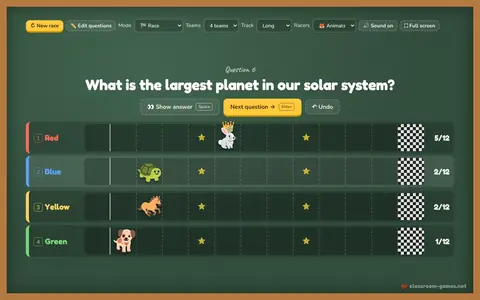 Team RaceAnswer right to move your racer. First to the flag wins. Or play tug of war.▶ Play now
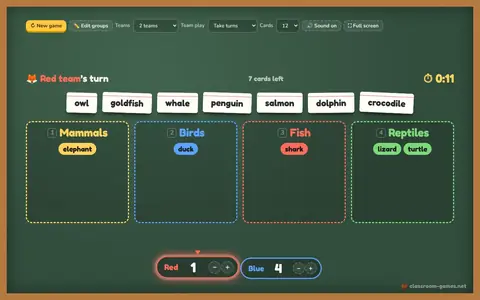 Sort ItDrag each card into the right group on the board. Teams or beat the clock.▶ Play now
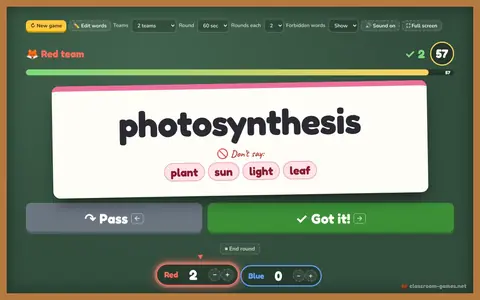 Heads UpBig word cards, 60-second rounds, ✓ got it or ↷ pass. Charades and Taboo too.▶ Play now
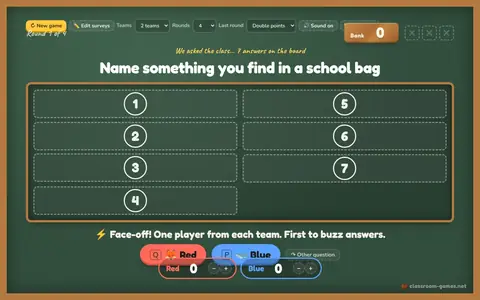 Survey SaysGuess the top survey answers. Face-off, three strikes, steal the bank.▶ Play now
No screen today?
Rules, variations and tips for similar games you can run with paper or nothing at all.
Run a quiz show with mini whiteboards: every student answers every question at the same time, so nobody sits out.
A quiz-show board of categories and point values where teams pick a square and answer the question behind it.
Students tiptoe to one of four labeled corners while a caller with eyes closed picks a corner.
Two students race to answer a flash card.
Questions teachers ask
Yes, in spirit: colorful multiple-choice questions, a countdown and points. The difference is that everything runs on the teacher’s screen, so students do not need devices or accounts.
Yes. Type or paste them under Edit questions, one per line with the answers separated by a vertical bar. Use Share code & class link to save them, send them to a colleague, or put a link in your slides that opens the game ready to play.
Yes. Press Full screen and tap the answers directly on the board. The question list closes in full screen, so students never see the answers.
So no team sits waiting. Each team commits to an answer at the same time, the teacher reveals it, and every team that was right scores. It keeps the whole class thinking on every question.