Find the right game
- Open Classroom games.
- Filter by grade, subject, type and how long you have, or tick No prep.
- Open a game to read it. Each guide starts with the grade range, time, group size, prep and materials.
You can also browse by brain breaks, review games, grade, subject or season.
Run it in class
- How to play gives the steps in order; read them once and start.
- Variations make the game easier, harder or fit another subject.
- Teacher tips cover what usually goes wrong and how to keep everyone involved.
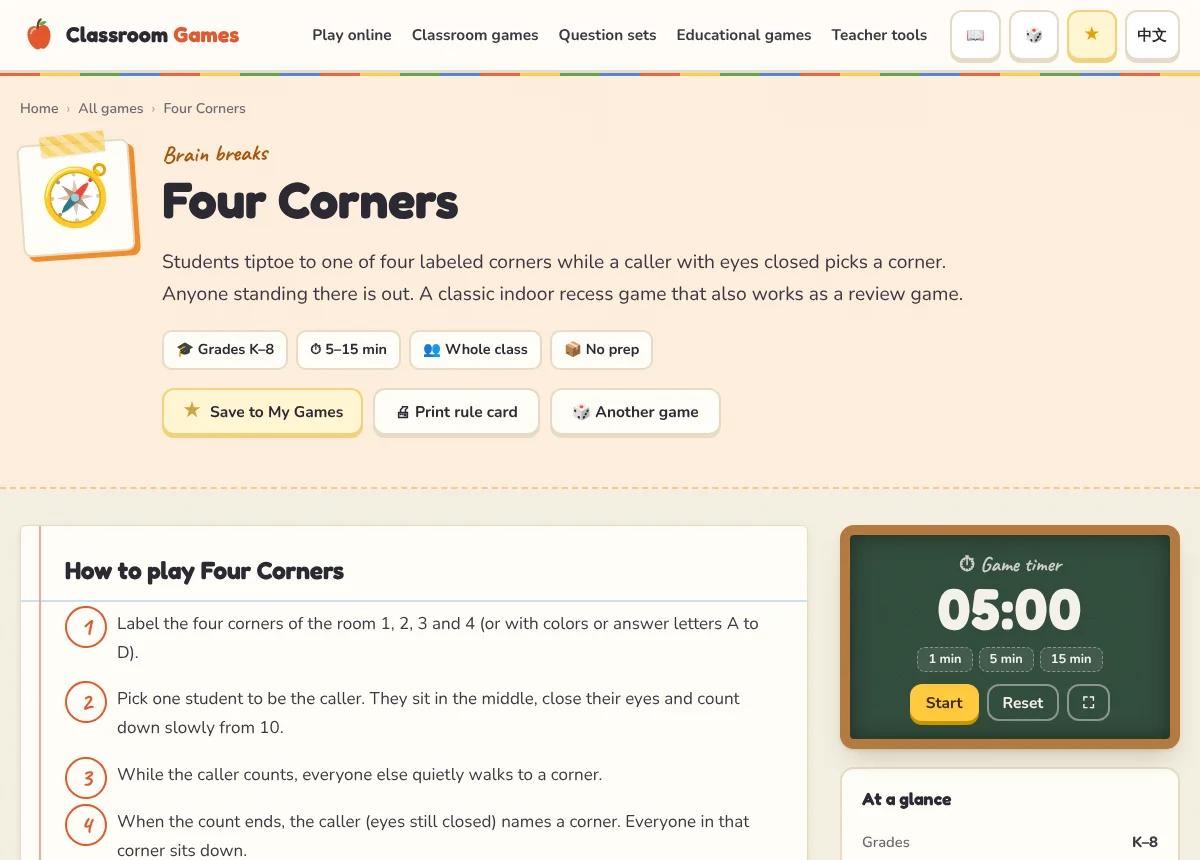
- The Game timer on the page counts the rounds down, or open the full-screen timer.
- Many guides link to an online version for the board, marked Play it on the board.
Print or pin the rule card
Press Print rule card for a one-page card with the steps, or save it to Pinterest to find it again. Press the ★ to keep the game in My games.
TipKeep a few no-prep games for the last five minutes of a lesson. Filter by “≤ 5 min” and “No prep” and star your favorites.